Solutions
Discover our solution for time registration, scheduling, and reporting
 Time & Attendance
 Planning
 Geolocation
 Reports
 Mobile App
 Project Clocking
Resources
Read our client stories, blog articles, and guides.
Solutions
Discover our solution for time registration, scheduling, and reporting
Resources
Read our client stories, blog articles, and guides.
Peak Season Planning: What to Decide First

Peak season planning means matching your team to a busy period that comes back every year, such as the weeks before Christmas. In those weeks the number of changes to arrange grows quickly. When they are agreed in different places or not written down, they can cause problems with cover and with the hours you can account for afterwards. Because you can see the peak coming, a few early decisions, such as where changes get recorded and who may approve extra hours, make this easier to manage. This article looks at what can go wrong in holiday season staffing and what is worth deciding before the peak starts.
Peak season planning needs attention early, because the number of changes to manage grows quickly in a busy month. Each of these issues can be easy to deal with on itself, however having many of them a once, with poor visibility of your planning, turns holiday season staffing into a daily scramble.
Three weak points in peak season planning
Changes agreed in different places. Leave is approved by email and a swap is arranged in a chat. Each decision makes sense on its own. Only when you put them side by side do you see that too many people are off in the same week and nobody is left to cover.
Seasonal staff missing from the records. New colleagues start on a Thursday, but their schedule and clocking method are not ready. Their first hours end up on paper or in someone’s memory, and get entered later.
Overtime agreed informally. ‘Can you stay an hour?’ is easy to say yes to at the end of a busy shift. When nobody writes it down, you find out afterwards how much extra time was worked and who agreed to it.
What peak season shows about your routine
Some of these weak points were there long before the peak. In a quiet month, one or two people keep the planning in their heads and approvals happen informally, because nothing has to be formalised. A busy month leaves no room for that.
The peak is also useful afterwards. If the hours were recorded, you can see how many extra hours were worked and on which days you were short, and use that to plan next year. If they were not, you are planning from memory again.
What to decide before the peak starts
One place for changes. Decide where changes such as swaps and extra shifts get recorded, so you can see the whole picture at once. The person who approves a swap updates the rota the same day, so the rota shows who is actually working. A shared calendar or your time tracking system both work, as long as everyone uses the same one.
How seasonal staff clock in from their first shift. Set up everyone who joins for the peak, whether for a few weeks or for longer, before they start, so their first shift is recorded like everyone else’s. For the people who stay on, our article on onboarding new employees into time tracking covers the first weeks in more detail.
Who may approve extra overtime. Agree who can say yes to overtime, for example the shift leader or the manager on duty, and where it gets noted, so that a quick “can you stay an hour?” leaves a trace. By keeping track of overtime, you also see whether the same people keep stepping in.
Find out more
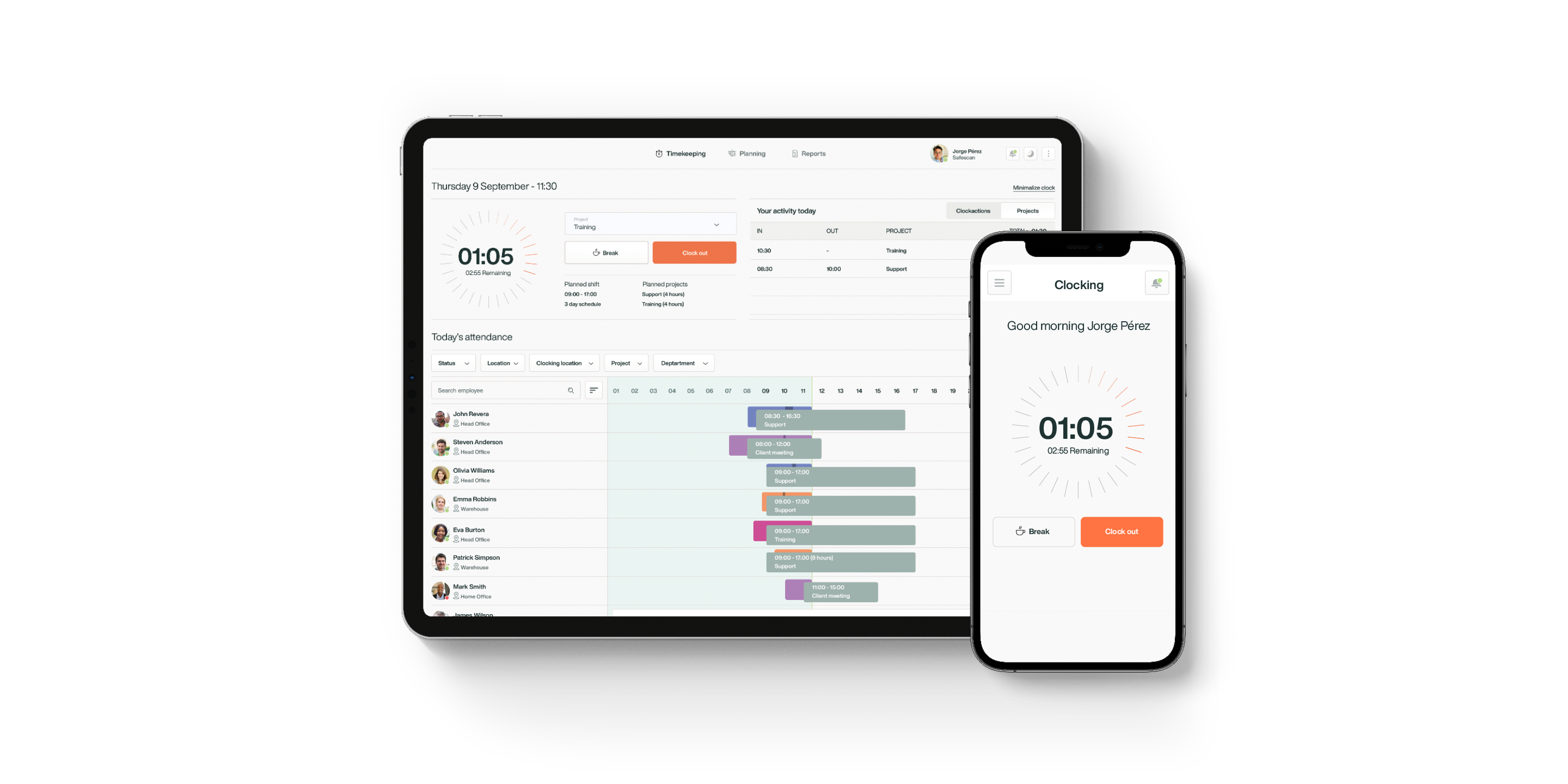
TimeMoto Cloud is built around recording hours, and its Planning section keeps the plan next to them. The Plus Plan adds a calendar of employees’ activities and absences, plus pending requests that managers approve or decline. New staff can be set up before their first day, so their hours are recorded from the start. You can try the Plus Plan free for 30 days.
Sign up for the TimeMoto newsletter.
Get time on your side again with our newsletter. Sign up now and receive insights about managing your workforce, major trends, news and important product updates. Right in your mailbox.
By signing up you consent to receiving news and promotions via email from TimeMoto B.V. regarding TimeMoto products and services. You have the right to withdraw your consent at any time. For more information, please read our Privacy Statement.