Solutions
Discover our solution for time registration, scheduling, and reporting

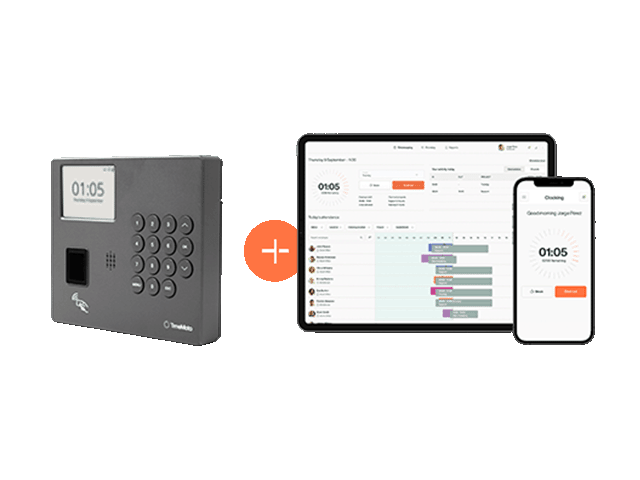
 Time & Attendance
 Planning
 Geolocation
 Reports
 Mobile App
 Project Clocking
Resources
Read our client stories, blog articles, and guides.
Solutions
Discover our solution for time registration, scheduling, and reporting
Resources
Read our client stories, blog articles, and guides.
Belgium Working Time Recording 2027 | Digital Time Tracking
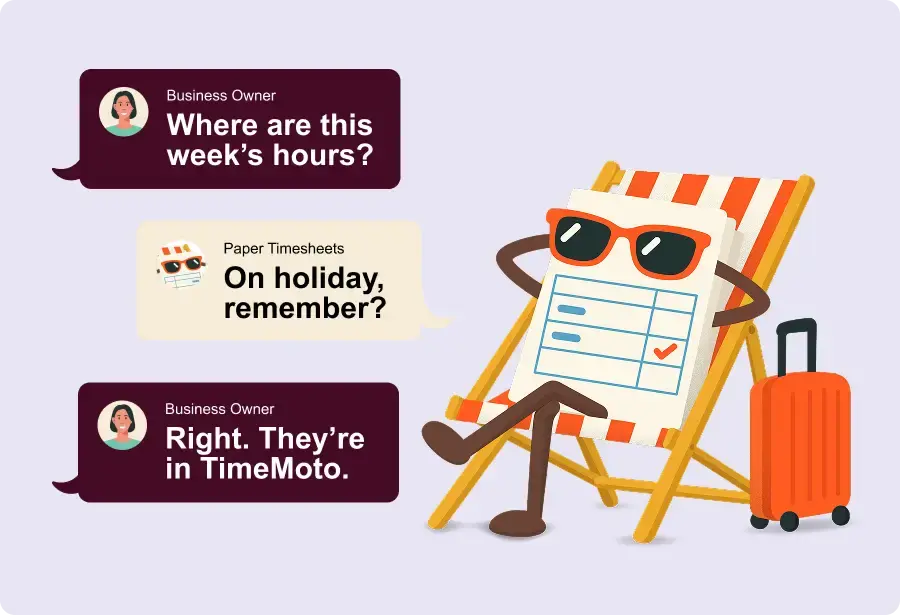
Give your paperwork some time off.
Belgium is preparing new working-time recording requirements for 2027. Still collecting paper timesheets or updating spreadsheets by hand?
TimeMoto helps Belgian businesses track employee working hours digitally, monitor attendance, and review time records in one place, whether teams work on-site, remotely, or across multiple locations.
Your paper timesheets have earned their retirement.
Hard-to-read handwriting and missing entries can turn a simple check into another round of questions.
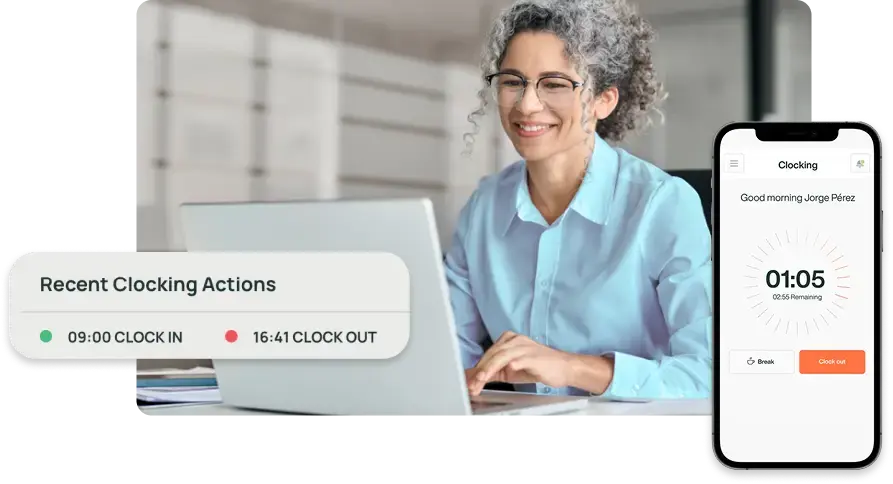
Digital time recording saves you the paperwork. Employees clock in and out, and their records appear in TimeMoto Cloud for you to review.
Belgium’s working-time rules: what could change?
The proposed Belgian rules focus on recording actual working time objectively and reliably. The final requirements and implementation dates are still being determined. Reviewing your current process now can help you understand where clearer records or a more consistent approach would be useful.
Why Belgian Businesses Are Moving Away from Paper Timesheets
Paper timesheets can mean extra work, especially when working-time information is spread across different places:
· Paper timesheets.
· Manually updated spreadsheets.
· Schedule changes shared by email or message.
· Separate records of deviations from the schedule.
· Corrections that need checking.
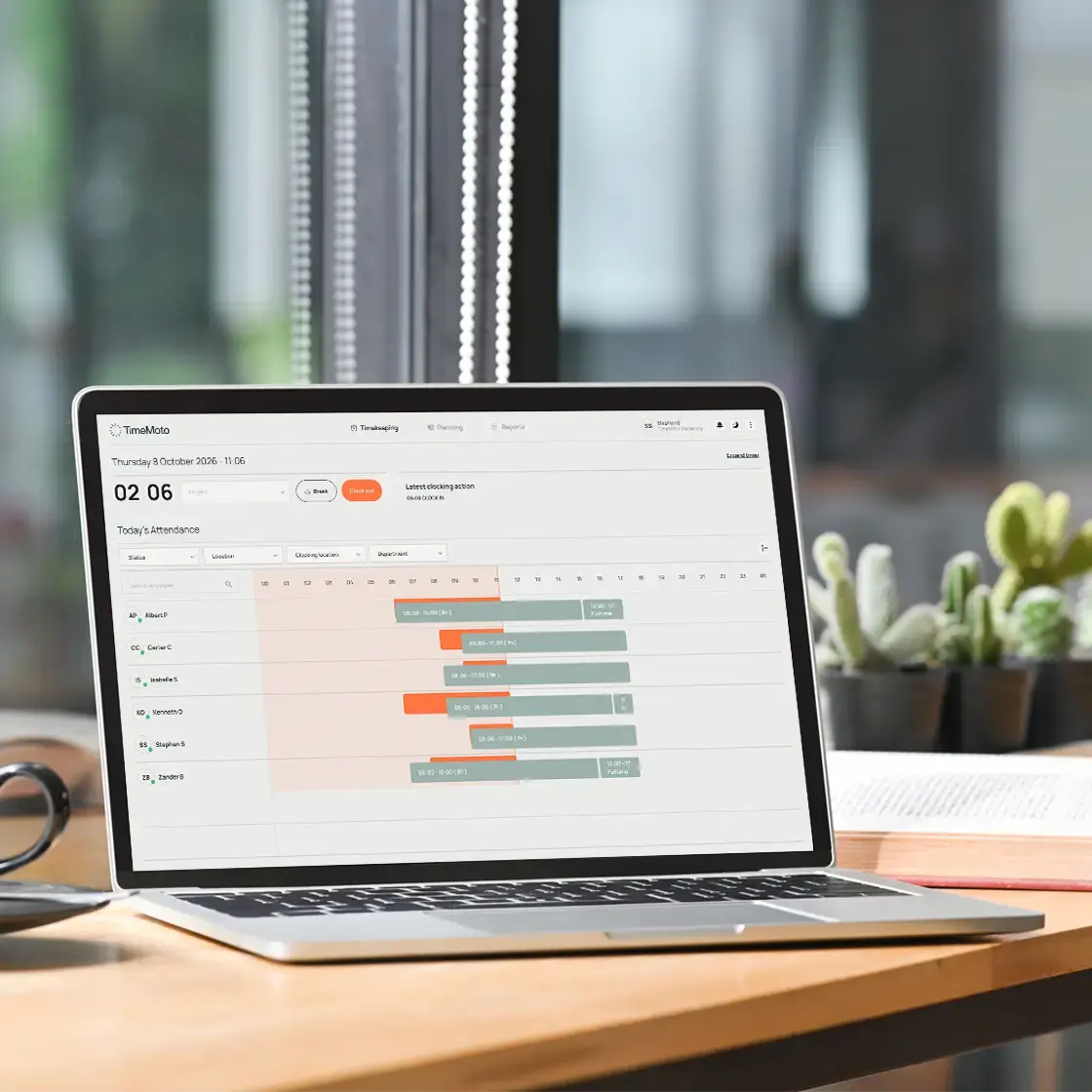
TimeMoto Cloud brings recorded hours and attendance information together, giving you a clearer overview of your team’s working time.
Put working hours in one place.
Moving to digital time tracking doesn’t have to be complicated. TimeMoto helps your team record hours as part of their working day and gives you the tools to review them.
Spend less time chasing hours.
Reduce follow-ups and the work involved in collecting paper timesheets.
Record time where work happens.
Let employees clock in through the web, mobile app or an on-site TimeMoto clock, depending on your plan and setup.
See attendance as the day unfolds.
Review recorded clock-ins and clock-outs without waiting for the weekly timesheets.
Prepare reports from recorded hours.
Use working-time reports to prepare information for payroll or your social secretariat.
What should you review before 2027?
Start with your everyday process. Can you find the hours an employee worked without searching through separate files? Is it clear how missing entries and corrections are handled?
Our article explains the proposed Belgian changes and what they could mean for your business, so you can make an informed decision about your next steps.
Paperwork has other plans. You have a team to run.
See how TimeMoto can simplify your daily time-recording routine.
Get started with your team.
The free trial covers TimeMoto Cloud Plus. There is no obligation to continue after the trial.
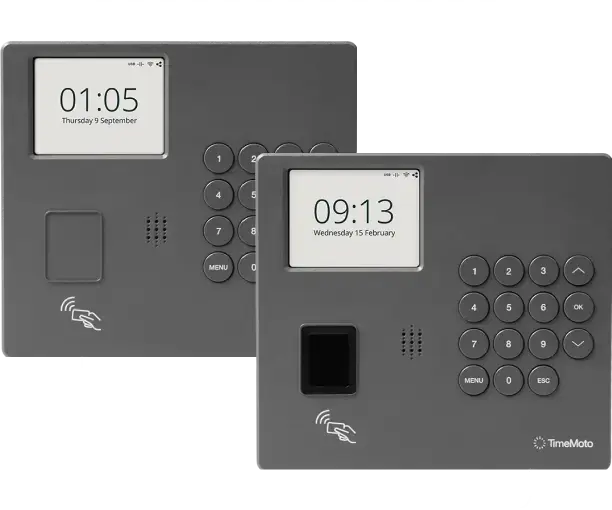
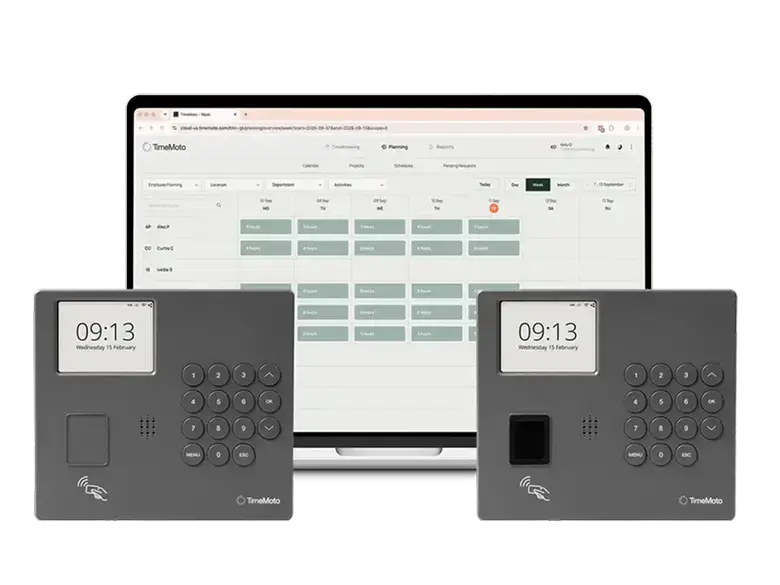
Start with a clock. Connect to Cloud.
For teams working at a fixed location, a TimeMoto TM-4 Series clock provides a physical place to clock in and out.
Working-time records synchronise with TimeMoto Cloud, where you can review hours and attendance.
The TM-414 supports RFID and PIN clocking. The TM-424 also offers fingerprint authentication.
Frequently asked questions
Do I need a physical time clock to use TimeMoto Cloud?
No. You can start with Cloud and use the web and mobile clocking options available with your plan and setup. A compatible TimeMoto clock provides a physical clocking point for employees working on site.
What’s included in the free trial?
You can explore TimeMoto Cloud Plus for 30 days, including its attendance, scheduling and reporting features. Physical time clocks are purchased separately.
Can employees record time online or through mobile?
Yes. TimeMoto offers web and mobile clocking options. The methods and features available to your team depend on your Cloud plan and setup.
What happens when the trial ends?
Choose a paid Core, Essential or Plus subscription to continue using TimeMoto Cloud. If you decide not to subscribe, your trial ends.
Which Cloud plan should I choose?
Choose based on how your team works and the information you need. Core covers basic time recording and reporting. Essential adds tools for managing attendance and work schedules. Plus adds shift planning and leave and absence management. Compare the plans for a full overview.
Does TimeMoto guarantee compliance with Belgian working-time requirements?
No. TimeMoto supports working-time recording and management. Compliance also depends on the rules that apply to your business and how you configure and use your system.